


 June 3, 2026 4:05 am
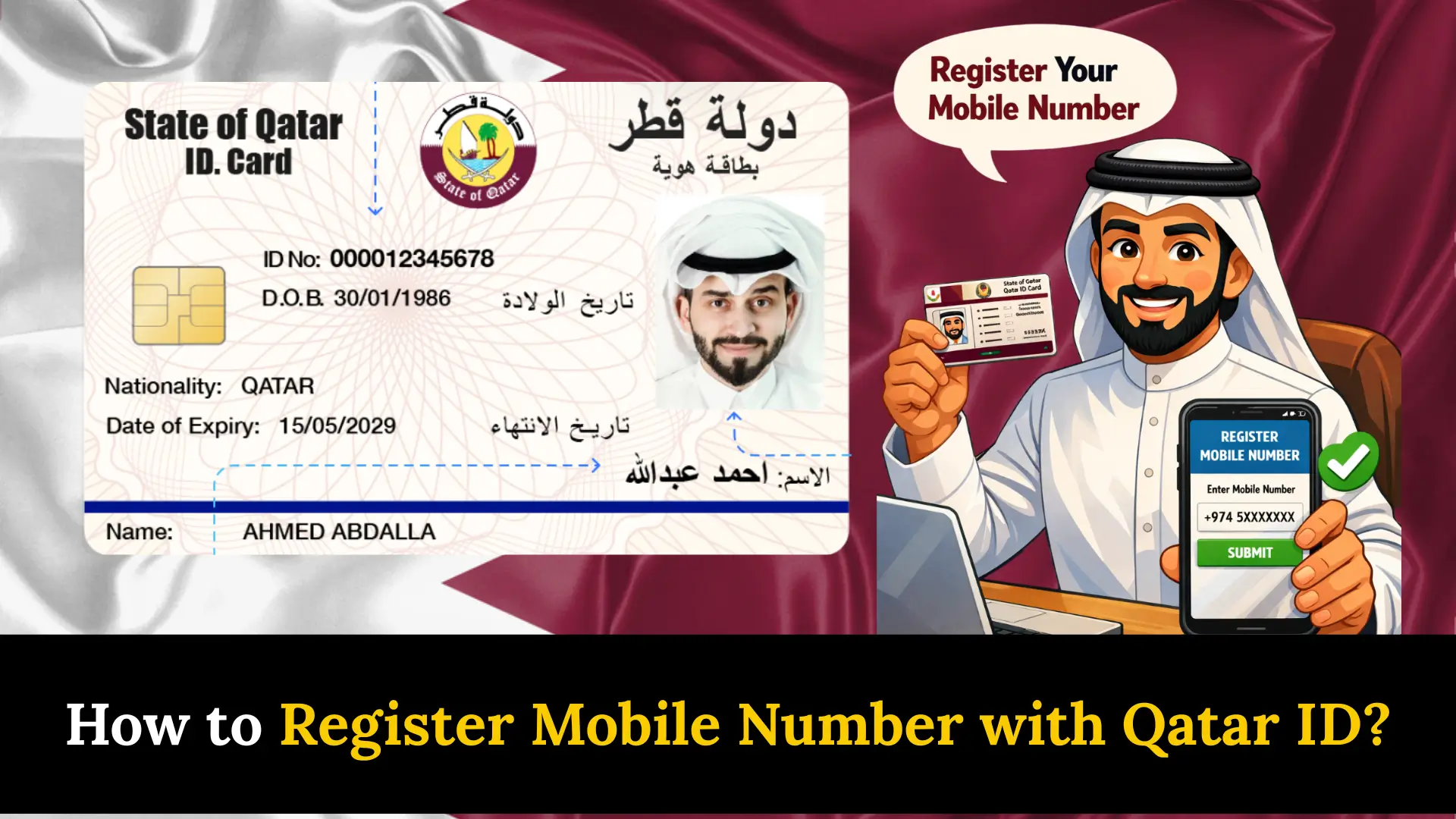
How to Register Mobile Number with Qatar ID? Living in Qatar means you are constantly interacting with government systems, and one thing I learned early on is that nothing works smoothly unless your mobile number is properly linked to your Qatar ID. Whether you are trying to access MOI services, receive SMS notifications about your visa, or simply stay compliant with the MOI system, this single step of QID mobile number registration saves you from a lot of unnecessary trouble.
Why Register Your Mobile Number with Qatar ID
Most residents overlook this, but linking your phone to your Qatar ID is not just a formality. It is your direct line to real-time updates on residency updates, traffic fines, and visa renewals straight to your registered number. Without this connection, government agencies cannot contact you easily, and your transactions through government portals stay less secure.
From personal experience navigating Qatar’s digital services, having your mobile number registered means you get OTP-based protection on every login and your access to e-services stays uninterrupted. Here is a quick look at the key benefits:
| Benefit | What It Means for You |
|---|---|
| Real-time Updates | Get SMS notifications about visa, traffic fines, and residency updates instantly |
| Enhanced Security | OTP verification protects your identity on government portals |
| Easy Access | Use your registered number to access and manage all government services |
| Efficient Communication | Government agencies can reach you quickly with important information |
| Compliance | Keep your residency information current in the official MOI system |
Documents Required
Before you begin, make sure the following items are ready:
- A valid Qatar ID (QID) card
- An active mobile SIM card from a licensed provider such as Ooredoo or Vodafone
- Proof of mobile number ownership such as a phone bill
- Your email address
- Access to the Metrash app or an MOI service center
Having these documents ready before you start prevents delays and makes the entire registration process smooth from beginning to end.
Methods to Register Your Mobile Number
There is no single path to completing your QID registration, and that flexibility is genuinely useful depending on your situation. Here is a comparison of all available methods at a glance:
| Method | Best For | Requires Internet |
|---|---|---|
| MOI Portal | Online registration from a browser | Yes |
| Metrash App | Fastest and most convenient method | Yes |
| SMS Registration | No internet access available | No |
| MOI Service Center | In-person assistance | No |
| NAS Portal (nas.gov.qa) | Updating number via Tawtheeq | Yes |
Through the MOI Portal
The Ministry of Interior portal provides a simple online method for registration. Follow these steps:
- Visit the official MOI portal at portal.moi.gov.qa
- Click on the Inquiries section
- Select Metrash from the sidebar options
- Choose Individual Registration
- Fill in the registration form with your QID number, mobile number, and preferred language
- Enter the captcha code and click Subscribe
Once submitted, your mobile number is successfully linked to your Qatar ID.
Through the Metrash App
The Metrash app is the fastest and most recommended method for most residents.
- Download and install the Metrash app from Google Play Store or Apple App Store
- Open the app and select your preferred language
- Enter your 11-digit QID number
- Input your QID expiry date
- Confirm your phone number is registered under your Qatar ID
- Receive an activation key via SMS and send it to 92992
- Create a security PIN of minimum 6 digits and confirm it
- Submit and wait for the confirmation message
Through SMS Registration
If you do not have internet access, you can still register through a simple SMS:
- Open your phone’s messaging app
- Type M2R E followed by a space
- Enter your 28-digit Qatar ID number
- Add a space and type your birth date in DD/MM/YYYY format
- Send this message to 92992
The system will reply with download links and activation codes to complete your registration.
At an MOI Service Center
This is the most straightforward option if you prefer face-to-face help:
- Visit the nearest MOI service center in Qatar
- Present your Qatar ID to the staff
- Provide your mobile number
- The staff will directly link your number to the MOI system
Through the NAS Self-Service Portal
The National Authentication System, also known as NAS Qatar or Tawtheeq, allows you to update the mobile number linked to your QID at nas.gov.qa. This is especially useful when other methods face a system delay or when eKYC verification is required through telecom retail outlets.
Registering Your Vodafone Number with QID
If you are a Vodafone Qatar user, follow these specific steps:
- Send an SMS with M2R E, your 28-digit Qatar ID, and birth date (DD/MM/YYYY) to 92992
- Vodafone will send you a link to download the Metrash app along with two activation codes
- Install the Metrash app
- Enter your QID number, mobile number, and both activation codes
- Create and confirm a secure password
- Complete the registration process
This ensures your Vodafone SIM is fully linked through eKYC to your Qatar ID for uninterrupted access to government services.
Adding Co-Receivers Through Metrash
The Metrash app lets you add other numbers to receive alerts tied to your account. This is useful for keeping family members or trusted contacts informed. Here is how to do it:
- Make sure the service owner has an active QID and a registered mobile number
- Provide a valid QID and mobile number for the co-receiver
- Submit the information through the app
- The co-receiver will receive an OTP to complete their own registration
Managing Your Registered Mobile Number
Situations change and you may need to update or remove your number at some point. Both actions can be done through your Metrash account or the MOI portal.
| Action | Steps |
|---|---|
| Change Number | Go to Mobile Number Management → Select Change Number → Enter new number → Verify with OTP |
| Remove Number | Go to Mobile Number Management → Choose Unsubscribe or Deregister → Confirm your decision |
Key Services Available Through Metrash
Once your registration is complete, the Metrash app becomes your central hub for government services in Qatar. Here is what you can do:
- Visa renewal
- Traffic violation payments
- Utility bill payments
- Residency permit applications
- Exit permit requests
- Vehicle registration renewal
- Driving license renewal
- Passport services
- Birth and death certificate applications
Having all these services tied to one verified mobile number makes daily life in Qatar significantly easier.
Common Issues and Solutions
A few hiccups are common during the registration process. Here is a quick reference to help you fix them:
| Issue | Solution |
|---|---|
| SMS not received | Make sure your mobile number is active and has network coverage |
| Wrong number entered | Double-check your number before confirming |
| System delay | Wait a few hours for the update to reflect in the MOI system |
If the problem persists, reach out through these support channels:
- Metrash Helpline: 2342000
- Email Support: [email protected]
- Government Contact Center: 109 (within Qatar) or +974-44069999 (international)
- Live Chat: Available on the Hukoomi website
FAQs About Register Mobile Number with Qatar ID
Q 1: Is there a fee for linking my mobile number to my Qatar ID?
No, the process is completely free. There is no cost or charge involved in linking your mobile number to your QID.
Q 2: Can I register multiple mobile numbers with my Qatar ID?
You can only register one mobile number at a time. If you want to add a new number, you must first deregister the old number before the new one can be linked.
Q 3: What languages does Metrash support?
Metrash is available in Arabic, English, French, Spanish, Malayalam, and Urdu, making it accessible for a wide range of Qatar residents.
Q 4: Can I use Metrash outside Qatar?
Yes, you can activate Metrash on two mobile devices using the same Qatar ID, so access is not restricted to being physically present in Qatar.
Q 5: Is mobile registration mandatory?
While not strictly required, it is highly recommended. Without it, you lose access to government services, miss important notifications, and your QID stays disconnected from Qatar’s digital infrastructure.
Conclusion
Registering your mobile number with your Qatar ID is a simple step that keeps you connected, secure, and compliant with Qatar’s government systems. Whether you use the Metrash app, MOI portal, or visit a service center, complete this process today and never miss critical updates.
Sheikh Khalifa bin Hamad
I am Sheikh Khalifa bin Hamad, the writer behind https://qataridcheck.com/. I share simple guides about Qatar ID services, residency updates, and government procedures. My goal is to help residents easily check QID status, renewals, fines, and official information online.
