


 June 3, 2026 4:01 am
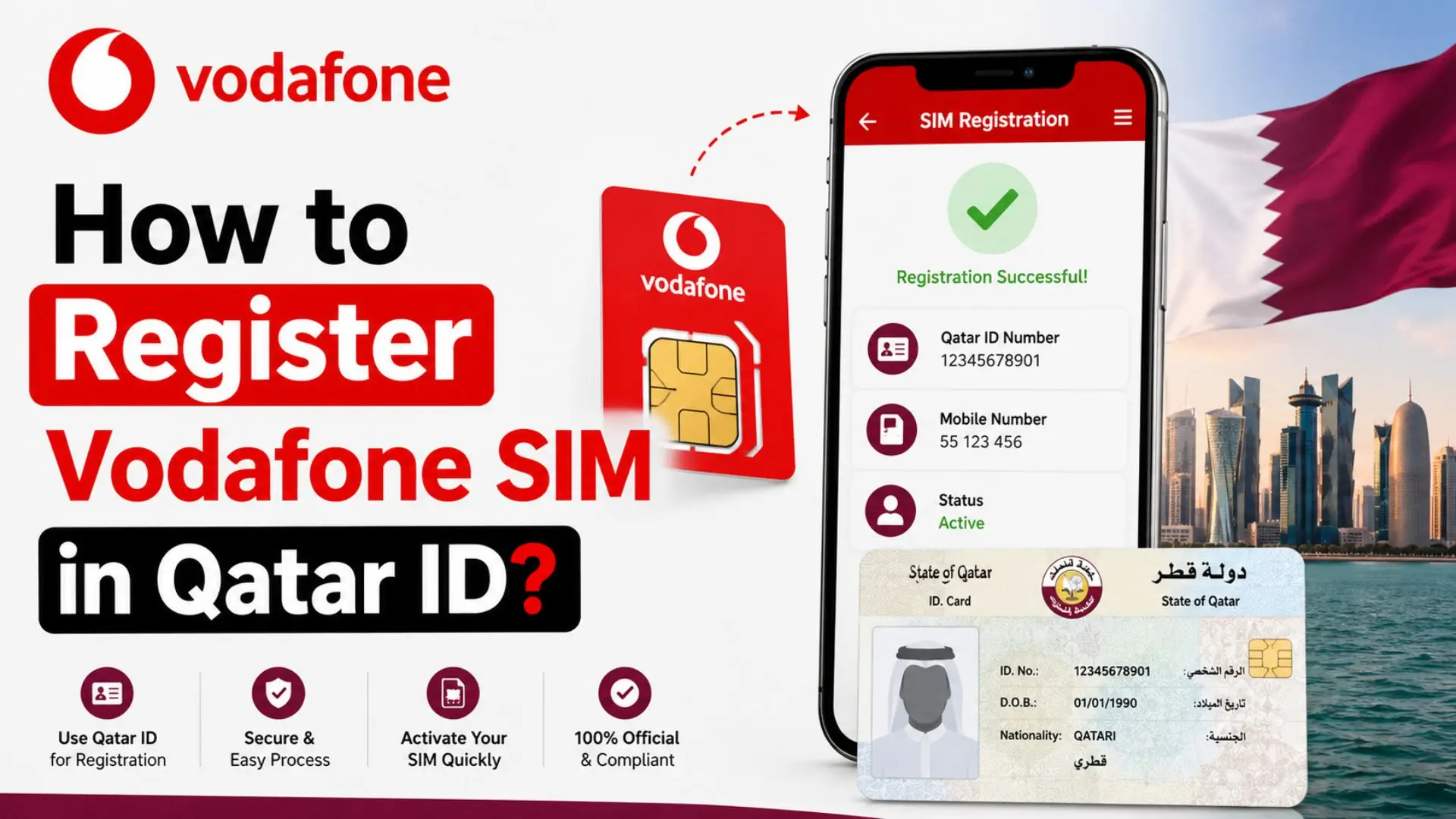
How to register Vodafone SIM in Qatar ID is one of the most searched queries by residents and visitors looking to join Qatar’s fastest-growing mobile network. Whether you’re a new resident setting up your first connection or a visitor needing instant connectivity, Vodafone Qatar’s Instant SIM technology allows you to self-activate your line in under 60 seconds without visiting a store or needing Wi-Fi.
What is Vodafone Instant SIM?
Vodafone Qatar launched the world’s first Instant SIM in August 2024, revolutionizing mobile connectivity in the GCC region. This AI-powered solution enables customers to self-activate a new Prepaid or Postpaid connection instantly anywhere, anytime in Qatar without requiring an internet connection.
Key Features:
- No internet required – The SIM uses dedicated activation data
- No store visits – Complete everything from your smartphone
- eSIM or Physical SIM – Choose your preferred format
- No credit/debit card needed for activation
- AI-powered eKYC – Facial recognition and document verification in seconds
The Instant SIM is available at over 2,600 locations across Qatar, including AlMeera, Lulu, Monoprix, Safari Hypermarkets, WOQOD petrol stations, and Hamad International Airport. You can also order online via Talabat Mart and Snoonu Mart.
Documents Required for Registration
Before you begin, ensure you have the correct documentation based on your chosen line type:
| Line Type | Required Document | Alternative Document |
|---|---|---|
| Prepaid | Qatar ID (QID) | Valid Passport |
| Postpaid | Qatar ID (QID) | Not Applicable |
| Visitors/Tourists | Valid Passport | N/A |
Important: Postpaid plans strictly require a Qatar ID. You cannot register a Postpaid Vodafone SIM with only a passport. Prepaid connections offer more flexibility for visitors and new residents who may not yet have their QID.
Additional Requirements:
- Smartphone with a working camera (for QR scanning and facial recognition)
- Active email address
- Physical Instant SIM pack (if not choosing eSIM)
How to Register Vodafone SIM in Qatar ID
Follow these 7 proven steps to register your Vodafone SIM with your Qatar ID or passport:
Step 1: Insert the Instant SIM
Remove the Vodafone Instant SIM from its packaging and insert it into your smartphone’s SIM tray. Ensure your phone is powered on.
Step 2: Scan the QR Code
Locate the QR code on the SIM pack. Open your phone’s camera and scan it. Alternatively, visit www.vodafone.qa/activate directly in your browser.
Step 3: Select Your Line Type
Choose between:
- Prepaid – Pay-as-you-go, ideal for flexibility and short-term use
- Postpaid – Monthly billing, requires Qatar ID, includes premium benefits
Step 4: Provide KYC Documentation
The AI-powered system will prompt you to:
- Scan your Qatar ID (for Postpaid) or Passport (for Prepaid)
- Complete a passive liveness check (facial recognition)
- The OCR technology automatically captures your details
Step 5: Choose Your Plan & Number
- Prepaid: You’ll be automatically assigned a free number
- Postpaid: Choose a free Star number or upgrade to a premium number (additional charges apply for premium numbers; Wi-Fi needed for payment)
Step 6: Review Terms & Conditions
Read the service agreement carefully and provide your digital signature to confirm acceptance.
Step 7: Complete Activation
- Prepaid: Activation is instant (up to 2 minutes)
- Postpaid: Activation takes up to 15 minutes after completion
- You’ll receive a confirmation SMS and email once active
Pro Tip: Postpaid users must restart their phone or toggle airplane mode after activation to begin using services.
Prepaid vs. Postpaid: Which Should You Choose?
| Feature | Prepaid | Postpaid |
|---|---|---|
| Document Required | QID or Passport | Qatar ID Only |
| Activation Time | Up to 2 minutes | Up to 15 minutes |
| Payment Method | Top-up via app/retailers | Monthly bill |
| Number Selection | Auto-assigned free number | Free Star number + premium options |
| Home Delivery | Not available | Available |
| Best For | Visitors, short-term residents, budget control | Long-term residents, heavy users |
| International Roaming | Add-ons available | Included in premium plans |
| Max Connections per ID | Part of 5 total | Max 2 postpaid lines |
Expert Recommendation: If you’re a new resident waiting for your QID to be processed, start with Prepaid using your passport. Once you receive your Qatar ID, you can easily upgrade to Postpaid through the My Vodafone App.
Benefits & Drawbacks of Instant SIM
Benefits
- Ultimate Convenience: Activate at 2 AM from your hotel room without internet
- AI-Powered Security: Innovatrics biometric technology ensures fraud-proof verification
- Eco-Friendly: eSIM option eliminates plastic waste
- No Queues: Skip Vodafone store lines completely
- Instant Connectivity: Get online within seconds of landing in Qatar
- Qatar Vision 2030: Supports the nation’s digital transformation goals
Drawbacks
- Postpaid Limitations: Requires QID; not accessible to visitors on passports alone
- Premium Number Costs: Star numbers above the free tier require additional payment
- Device Compatibility: eSIM requires newer smartphone models
- Technical Issues: If facial recognition fails, you must visit a store for a free replacement SIM
- Connection Limits: Maximum 5 connections per ID (2 postpaid max)
Common Mistakes to Avoid During Activation
Mistake 1: Using an Expired Passport or QID
Always ensure your Qatar ID or passport is valid and not expired. The AI system cross-references government databases and will reject expired documents.
Mistake 2: Poor Lighting During Facial Recognition
The passive liveness check requires adequate lighting. Avoid backlighting, shadows, or dark rooms. Face the camera directly and remove glasses if possible.
Mistake 3: Choosing Postpaid Without a QID
Many visitors mistakenly select Postpaid during activation. Remember: Postpaid strictly requires a Qatar ID. If you only have a passport, select Prepaid.
Mistake 4: Ignoring the Airplane Mode Restart (Postpaid)
Postpaid users often think activation failed because they can’t immediately make calls. Restart your phone or toggle airplane mode after receiving the confirmation SMS.
Mistake 5: Purchasing Multiple SIMs Without Checking Limits
Qatar regulations limit you to maximum 5 connections per ID (with only 2 allowed as Postpaid). Purchasing beyond this limit will result in rejection.
Mistake 6: Losing the SIM Pack Before Activation
If you lose your Instant SIM before activation, you cannot recover it. You must purchase a new SIM pack. Keep it secure until activation is complete.
Frequently Asked Questions
How long does Vodafone SIM activation take in Qatar?
Prepaid activation takes up to 2 minutes, while Postpaid activation can take up to 15 minutes after you complete all steps. eSIM activation is typically instant.
Can I register Vodafone SIM without Qatar ID?
Yes, but only for Prepaid. Visitors can use a valid passport to register a Prepaid Vodafone SIM. However, Postpaid plans strictly require a Qatar ID.
Do I need internet to activate Vodafone Instant SIM?
No. The Instant SIM uses dedicated activation data. You don’t need Wi-Fi or mobile data to complete the eKYC process. However, if you want to use the My Vodafone App instead, you’ll need internet access.
What is the difference between eSIM and physical Instant SIM?
An eSIM is embedded digitally in your phone—no physical card needed. A physical SIM is the traditional chip you insert. With Instant SIM, you can choose either during activation. If you select eSIM, the physical SIM becomes invalid.
How do I check my Vodafone number after activation?
Dial *127# from your Vodafone line to display your mobile number instantly.
Can I switch from Prepaid to Postpaid later?
Yes. Once you receive your Qatar ID, you can upgrade from Prepaid to Postpaid through the My Vodafone App or by visiting a Vodafone store. Your number can be retained during the switch.
What should I do if activation fails?
If you encounter issues during self-activation, visit any Vodafone store with your SIM pack. You’ll receive a free replacement SIM and staff will complete activation for you.
Where can I buy a Vodafone Instant SIM in Qatar?
Instant SIMs are available at 2,600+ locations including AlMeera, Lulu, Monoprix, Safari Hypermarkets, WOQOD, Hamad International Airport, and online via Talabat Mart and Snoonu Mart.
Conclusion
Learning how to register Vodafone SIM in Qatar ID has never been easier thanks to Vodafone’s groundbreaking Instant SIM technology. Whether you’re a resident with a Qatar ID or a visitor using your passport, you can now activate a fully functional mobile connection in under a minute—without internet, without queues, and without stress.
