


 June 3, 2026 3:39 am
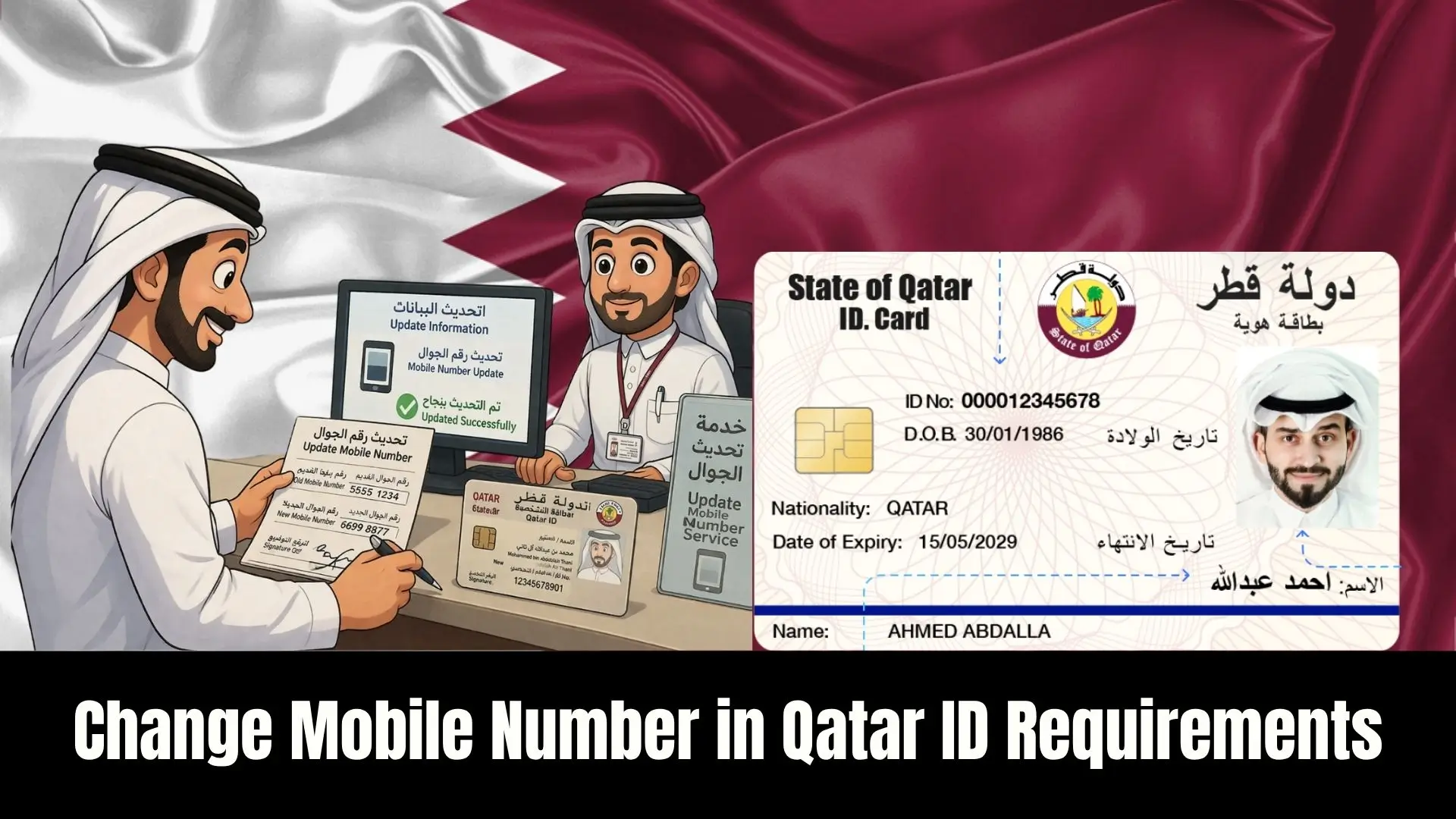
Change Mobile Number in Qatar ID Requirements. Managing your digital residency in the State of Qatar requires keeping your contact details current. From my professional experience, ensuring your mobile number is correctly linked to your Qatar ID (QID) is the single most important step for receiving government alerts and accessing essential services without delay.
Whether you are a long-term resident or a new arrival, the process is designed to be user-friendly. By following the Ministry of Interior (MOI) protocols through their official portal or mobile application, you can update your information in just a few minutes from your home or office.
Change Mobile Number in Qatar ID Requirements
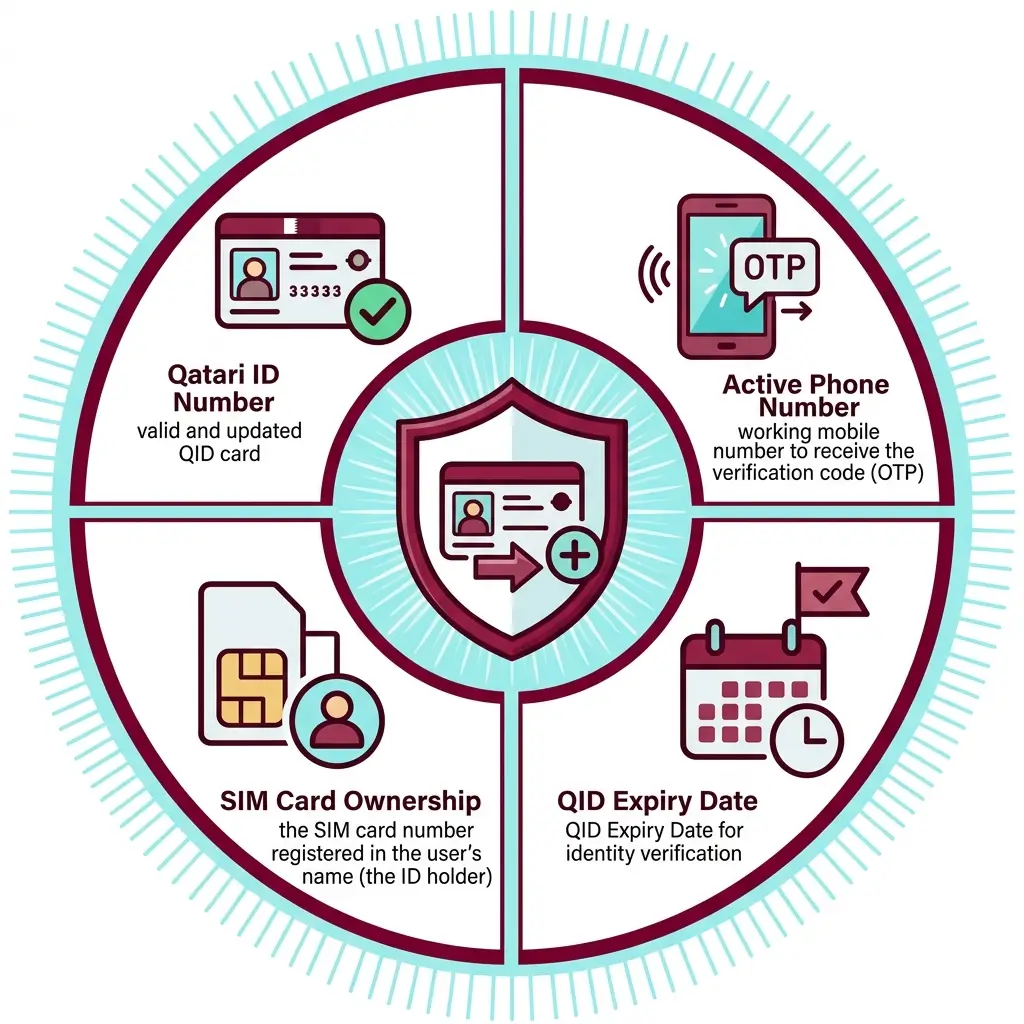
Before starting the change process, ensure you have the following requirements ready. Meeting these criteria is essential for a successful update:
| Requirement | Description |
| Qatari ID Number | A valid and updated QID card. |
| Active Phone Number | A working mobile number to receive the verification code (OTP). |
| SIM Card Ownership | The SIM card number must be registered in the user’s name (the ID holder). |
| QID Expiry Date | Needed for identity verification in certain methods. |
Steps to Change Mobile Number in Qatar ID
To change the mobile number via the Ministry of Interior website, follow these simple steps. This method is ideal for those who prefer using a desktop portal:
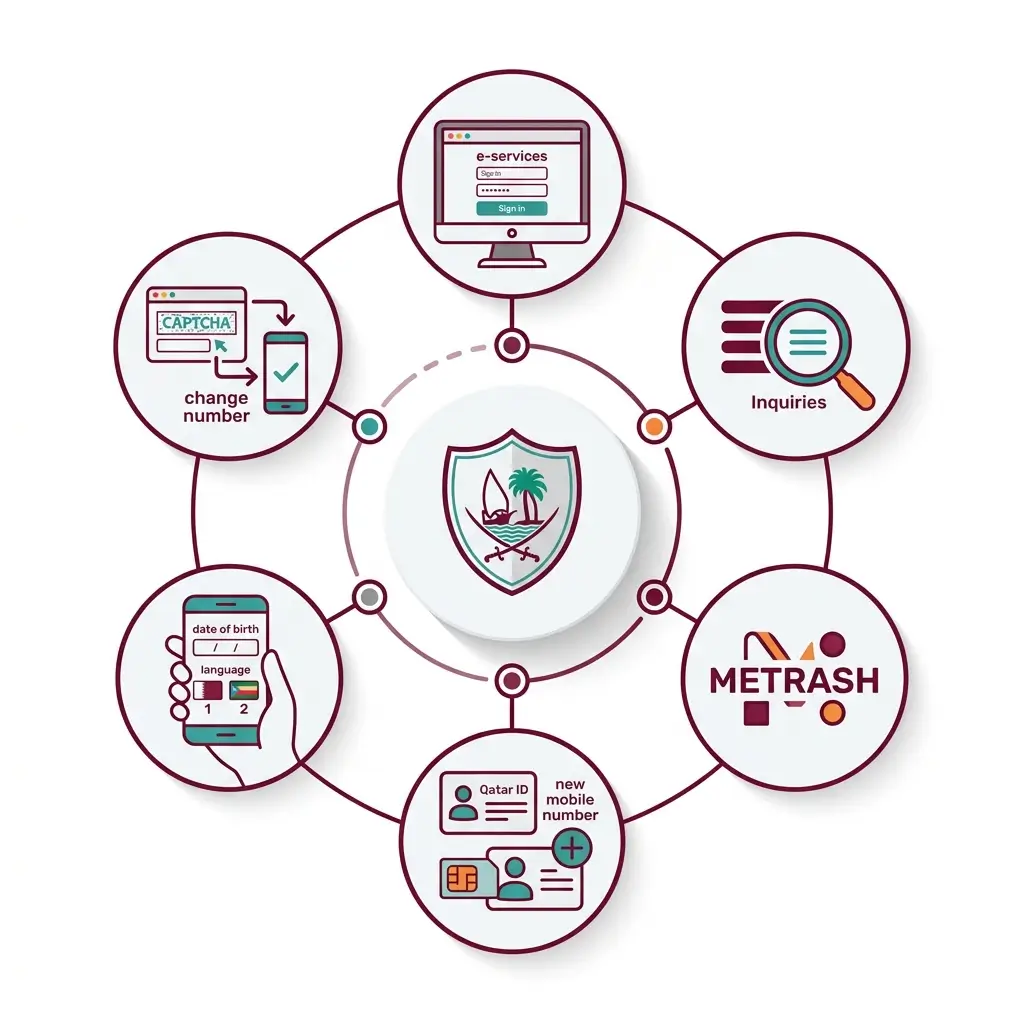
- Go to the Ministry of Interior website (portal.moi.gov.qa) and click on e-services to log in.
- Choose the Inquiries option from the main menu.
- Click on Metrash and then select Metrash for Individuals.
- Enter your Qatar ID number and your new mobile number.
- Add your date of birth and select your preferred language (1 or 2).
- Enter the visual verification code shown in the image.
- Click the change number option to receive your code and complete the process.
Steps to Change Mobile Number in Qatar ID through metrash
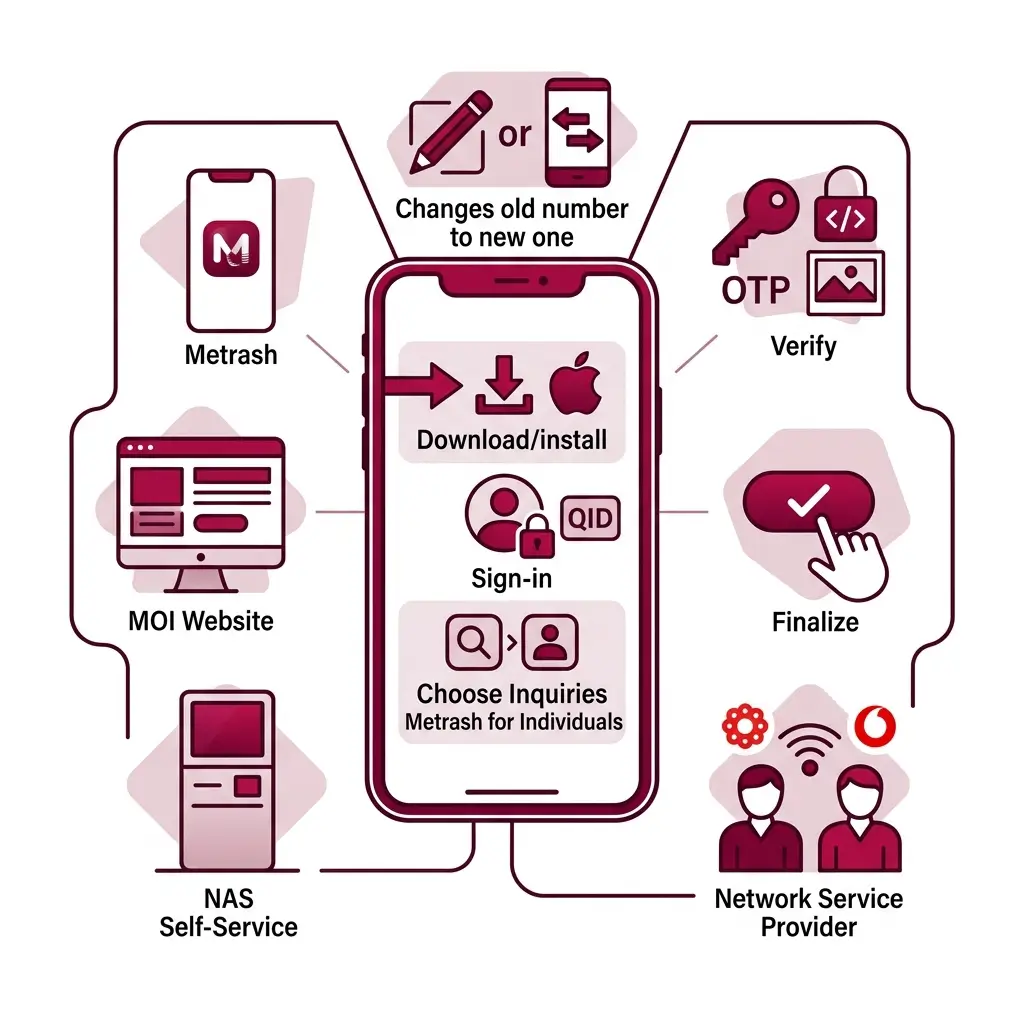
The Metrash app is often the fastest way to handle digital updates. Here is how to use the application:
- Download and Install: Get the new Metrash app from Google Play, the Apple Store, or the App Store.
- Sign In: Open the app, choose your language, and log in using your QID.
- Navigate: Click on Inquiries and select Metrash for Individuals.
- Update: Enter your new mobile number and select your language.
- Verify: Enter the visual verification code from the image and the OTP sent to your phone.
- Finalize: Click save or subscribe to finish.
Methods to Change Your Mobile Number:
There are several ways to update your records depending on your preference:
- Metrash App: Accessible via your mobile profile settings.
- MOI Website: Through the “Metrash for Individuals” inquiry section.
- NAS Self-Service: Using the National Authentication System kiosks located across Qatar.
- Network Service Provider: Visiting an Ooredoo or Vodafone retail outlet in person.
Important Notes:
- Verification: An OTP is mandatory and is sent only to the new mobile number.
- Secondary Numbers: If you are a co-receiver, the primary owner may need to assist in the process.
- SMS Alternative: You can also update via SMS by texting M2RE [QID Number] [QID Expiry Date] to 92992.
FAQs About
Can the phone number on the Qatar ID card be changed?
Yes, all citizens and residents can change the registered phone number on their card through the MOI website or Metrash.
Can I change the Qatar ID card photo?
Yeas, you can change the photo and update the image on your QID card.
Can the signature on the Qatar ID card be changed?
Yes, you can change the signature on your ID card via the appropriate MOI services.
Can the date of birth be changed on the Qatar ID?
While you enter the date of birth to verify a number change, changing the actual date on the card requires official document updates.
Where can I change the phone number on the Qatar ID card?
You can use the Metrash for Individuals service on the MOI portal or the Metrash app.
How can I change the mobile number in the Qatar ID?
You can do this online by entering your QID and new number into the MOI website or the mobile app.
What are the requirements to change the mobile number in the Qatar ID?
You need a valid QID card, an active mobile phone number registered in your name, and the verification code sent to that number.
How do I change my number on Moi Metrash
Within the app, navigate to the Metrash for Individuals service to enter your new details.
What are the ways to change the mobile number in Qatar ID?
The two main ways are through the Ministry of Interior website or the Metrash mobile app.
How can I change the passport number in the Qatar ID?
You can change the passport number via the Qatari Ministry of Interior website or their official app.
How can I change the name in the Qatar ID card?
The name can be updated and changed through the specific services offered within the Metrash app.
Conclusion
Updating your registered phone number on your Qatar ID is a simple yet vital change process. Whether using the MOI website or Metrash app, ensuring your QID is updated ensures seamless access to e-services and critical government notifications in Qatar.
