


 June 3, 2026 3:49 am
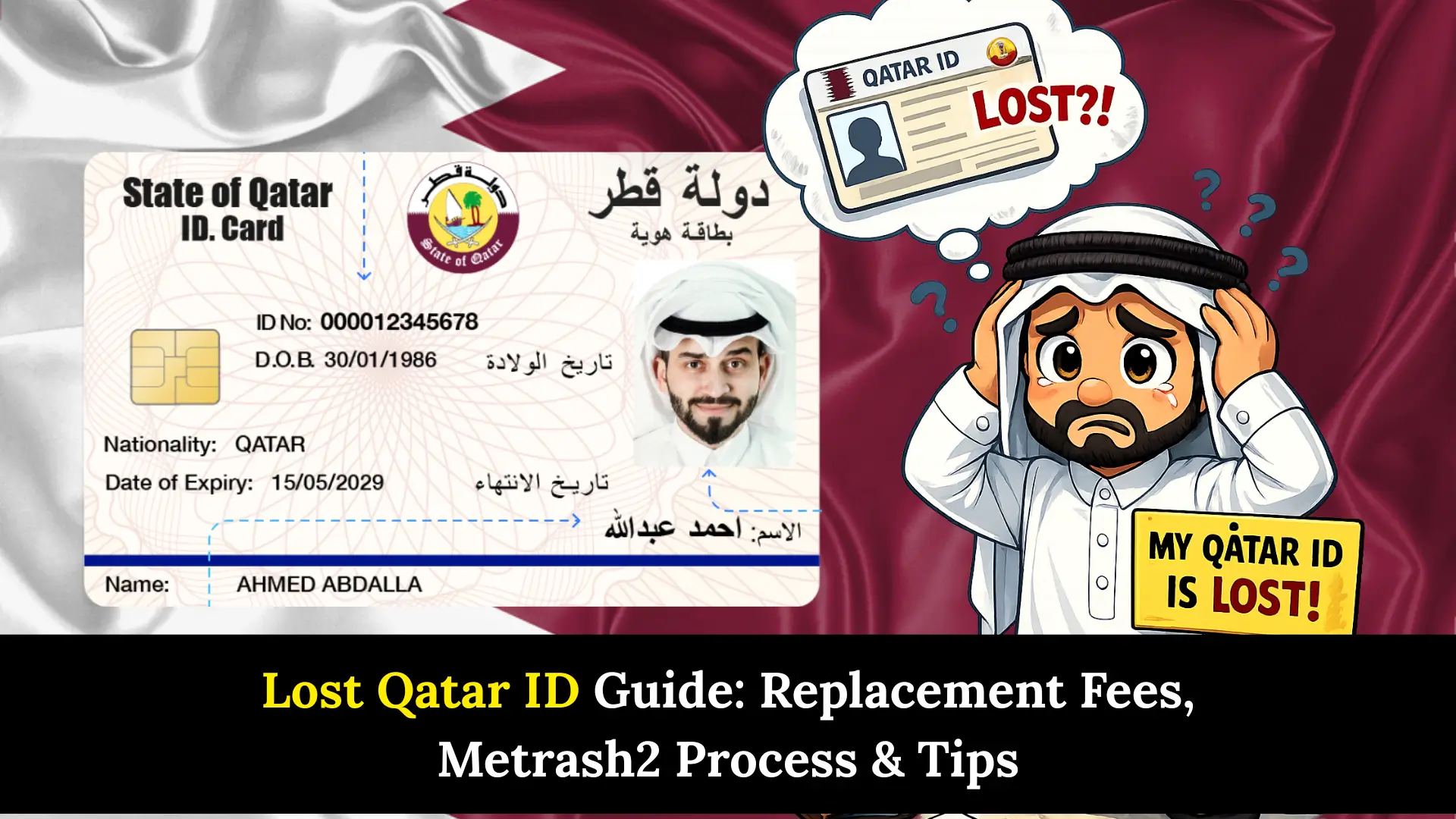
Lost Qatar ID can be a stressful experience for any resident in Qatar. Your Qatar ID (QID) is not just an identification document; it’s essential for banking, healthcare, travel, and nearly every official transaction in the country. Whether you misplaced it at home, lost it outside Qatar, or had it stolen, acting quickly is crucial to avoid penalties and service disruptions.
This comprehensive guide walks you through everything you need to know: replacement fees, step-by-step procedures using Metrash, what to do if you lost your QID abroad, common mistakes to avoid, and expert tips to expedite the process. By the end, you’ll have a clear action plan to get your replacement Qatar ID efficiently.
Immediate Steps When You Lost Qatar ID
If you’ve lost your Qatar ID, follow these critical first steps:
1. Report to Police Immediately
Visit the nearest police station within 24 hours to file a loss report. This protects you from misuse of your QID and is mandatory for replacement.
What you’ll receive:
- Police report (Mahdar)
- Reference number
- Stamped document for Ministry of Interior
2. Check Metrash App
Before going to the police station, check if you can report the loss through the Metrash mobile application. Some losses can be reported digitally.
3. Secure Your Accounts
Notify your bank, employer, and healthcare provider about the lost QID to prevent unauthorized access.
4. Avoid Travel
Don’t attempt to leave Qatar without your QID. You’ll need it at the airport, and traveling without it can cause serious complications.
5. Start Replacement Process
Once you have the police report, immediately begin the replacement application through Metrash or visit a Metrash Service Center.
Lost Qatar ID Fee
Understanding the Qatar ID lost fee structure helps you budget appropriately:
| Service | Cost (QAR) |
|---|---|
| Police Report Fee | 10 QAR |
| Lost QID Replacement Fee | 100 QAR |
| Express Processing (Optional) | 300 QAR |
| Total Standard Process | 110 QAR |
| Total Express Process | 410 QAR |
Payment Methods Accepted
- Credit/Debit cards (Visa, Mastercard)
- Debit cards issued by Qatari banks
- Online payment through Metrash app
Important Note: These fees are current as of 2025. The 100 QAR replacement fee is significantly lower than in previous years, making it more accessible for residents.
Fee Waiver Situations
- First-time loss within 5 years (some exceptions apply)
- QID damaged due to manufacturing defect
- Card lost during official emergencies
How to Replace Lost QID Using Metrash
The Metrash app is your fastest route to replacing a lost QID. Here’s the complete digital process:
Download and Setup
- Download Metrash from App Store (iOS) or Google Play (Android)
- Register using your QID number and mobile number
- Verify through OTP sent to your registered phone
- Set up your secure PIN
Report Lost Qatar ID
- Open Metrash app
- Select “MOI Services”
- Choose “Lost/Damaged ID”
- Select “Lost ID Card”
- Upload police report (if required)
- Confirm your residential address
- Pay the 100 QAR fee online
Track Your Application
- Check application status in real-time
- Receive SMS notifications
- Estimated processing time: 7-10 working days (standard) or 2-3 days (express)
Collection Options
- Home delivery (additional fees may apply)
- Pick up from nearest Metrash Service Center
- Collection from designated post offices
Pro Tip: Use the express service if you need your QID urgently for travel, job requirements, or medical emergencies. The extra 200 QAR can save you significant hassle.
Lost QID Outside Qatar
Losing your Qatar ID outside Qatar creates unique challenges. Here’s what to do:
Immediate Actions Abroad
1. Contact Qatar Embassy/Consulate
- Report the loss immediately
- Request a loss certificate
- Get guidance on travel documents
2. File Police Report Locally
- Report to local authorities in the country you’re visiting
- Obtain translated copy (Arabic or English)
- Keep all documentation
3. Contact Your Employer/Sponsor
- Inform them immediately
- They may need to provide support letters
- Verify your employment status remains active
Return to Qatar Process
At the Airport
- Present your passport
- Show police reports (Qatar and foreign)
- May require sponsor confirmation
- Expect additional questioning at immigration
Upon Arrival
- Visit Metrash Service Center within 48 hours
- Submit all documentation
- File formal replacement application
- Pay applicable fees
Documents Required
- Valid passport
- Foreign police report (translated)
- Sponsor letter
- Proof of residence in Qatar
- Recent passport-sized photos
Critical Warning: Traveling without your QID while residing in Qatar can result in fines up to 3,000 QAR. Always carry your passport as backup when your QID is lost.
Step-by-Step Replacement Guide for Lost Qatar ID
Method 1: Online via Metrash (Recommended)
Step 1: File police report
- Visit police station or use Metrash
- Pay 10 QAR fee
- Receive reference number
Step 2: Open Metrash app
- Log in with credentials
- Navigate to ID services
Step 3: Select replacement service
- Choose “Lost ID”
- Enter police report details
Step 4: Upload documents
- Passport copy
- Police report
- Current address proof
Step 5: Make payment
- Select standard or express
- Pay through app
Step 6: Biometric appointment
- Schedule through app
- Visit designated center
- Provide fingerprints and photo
Step 7: Wait for processing
- Track application status
- Expect 7-10 days
Step 8: Collect new QID
- Receive SMS notification
- Pick up or home delivery
Method 2: In-Person at Service Center
Step 1: Gather all documents
Step 2: Visit nearest Metrash Service Center
- Arrive during working hours (7:30 AM – 2:30 PM)
- Take queue ticket
Step 3: Submit application
- Present all documents
- Complete application form
Step 4: Biometric capture
- Immediate fingerprint scan
- Photo capture
Step 5: Payment
- Pay at counter
- Keep receipt
Step 6: Collection
- Return after processing period
- Bring receipt and passport.
Required Documents for Lost Qatar ID Replacement
Ensure you have these documents ready:
Mandatory Documents:
- Valid Passport (minimum 6 months validity)
- Police Report (Mahdar) for lost QID
- Proof of Residence (utility bill, rental agreement)
- Sponsor Letter (from employer or family sponsor)
- Recent Passport Photos (2 copies, white background)
- Previous QID Copy (if available)
Additional Documents (Case-Specific):
- Employment contract (for new residents)
- Marriage certificate (for family sponsorship)
- Birth certificate (for children)
- Medical fitness certificate (if QID expired)
Document Preparation Tips:
For Passport:
- Must have valid Qatar residence visa
- Ensure visa hasn’t expired
- Keep both original and copy
For Police Report:
- Get it stamped and signed
- Arabic document is standard
- Keep multiple copies
For Photos:
- Recent (within 6 months)
- White background
- No glasses or head coverings (religious exceptions allowed)
- 4×6 cm size
Online vs In-Person Replacement
| Aspect | Metrash (Online) | Service Center (In-Person) |
|---|---|---|
| Convenience | Apply from anywhere | Must visit physically |
| Processing Time | 7-10 days (3 days express) | Similar timeframe |
| Queue Time | No waiting | Can be 1-3 hours |
| Document Upload | Digital submission | Physical copies needed |
| Payment | Online, instant | Cash or card at counter |
| Tech Requirements | Requires smartphone/app | No tech needed |
| Support Available | Limited to app chat | Face-to-face assistance |
| Biometric Appointment | Separate visit needed | Done same day |
| Best For | Tech-savvy users, busy schedules | Those needing guidance, no app access |
Common Mistakes to Avoid When Replacing Lost Qatar ID
Mistake 1: Delaying Police Report
- Why it’s costly: Filing after 24 hours may result in fines or complications. Some insurance companies reject claims for late reporting.
- Solution: Report immediately, even if you’re still searching for your QID.
Mistake 2: Not Checking QID Status
- Why it’s problematic: Your QID might be found and submitted to authorities. Applying for replacement creates duplicate records.
- Solution: Check the Metrash “Lost and Found” section before applying.
Mistake 3: Traveling Without Replacement Confirmation
- Why it fails: Immigration won’t allow exit without valid QID or proper documentation.
- Solution: Wait for your replacement or get official travel permission from MOI.
Mistake 4: Using Expired Documents
- Why it’s rejected: Passport validity, residence visa, and medical certificates must be current.
- Solution: Renew all expired documents before applying.
Mistake 5: Incorrect Biometric Appointment
- Why it delays: Missing your biometric appointment restarts the entire process.
- Solution: Confirm appointment date/time via SMS and set reminders.
Mistake 6: Forgetting to Update Employer
- Why it matters: Your employer needs to know for legal compliance and in case they receive your old QID.
- Solution: Notify HR department immediately.
Mistake 7: Not Keeping Copies
- Why it’s risky: Without documentation, proving your application becomes difficult.
- Solution: Photograph all documents and save digital copies.
FAQs About Lost Qatar ID
1. What is the fee if I lost my Qatar ID?
The Qatar ID lost fee is 100 QAR for standard replacement, plus 10 QAR for the police report. Express processing costs an additional 200 QAR, bringing the total to 410 QAR.
2. How long does it take to replace a lost QID?
Standard processing takes 7-10 working days. Express service reduces this to 2-3 working days. Add 1-2 days for biometric appointments and document verification.
3. Can I use Metrash app if I lost my Qatar ID outside Qatar?
Yes, but you must first file a police report in the country where you lost it and at Qatar immigration upon return. Upload the foreign police report (translated to Arabic/English) through Metrash after entering Qatar.
4. Will I get the same QID number after replacement?
Yes. Your QID number remains permanent and never changes. Only the physical card is reissued with the same number but a new issue date.
5. Can someone misuse my lost Qatar ID?
Potential risks include identity theft for financial fraud or unauthorized transactions. That’s why filing a police report immediately is crucial—it legally protects you from liability for any misuse.
Conclusion
Lost your Qatar ID? Don’t stress. Report to police immediately, use Metrash app, and pay 110 QAR. Follow our simple steps and get your replacement card in 7-10 days.
Sheikh Khalifa bin Hamad
I am Sheikh Khalifa bin Hamad, the writer behind https://qataridcheck.com/. I share simple guides about Qatar ID services, residency updates, and government procedures. My goal is to help residents easily check QID status, renewals, fines, and official information online.
