


 June 3, 2026 3:45 am
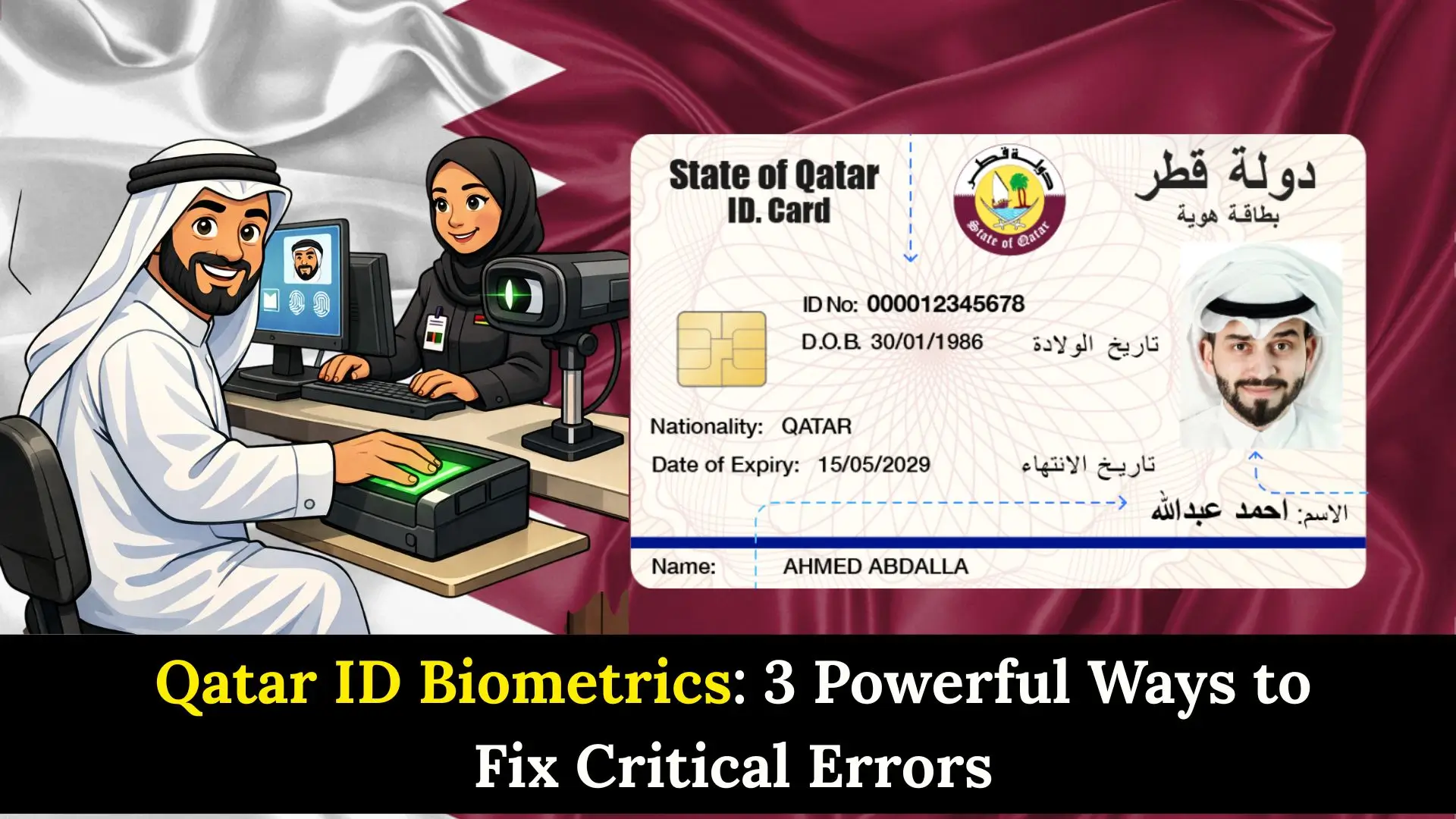
Qatar ID biometrics are the cornerstone of the nation’s advanced security and digital infrastructure. Whether you are a new expat arriving in Doha or a long-term resident, completing your biometric enrollment is a non-negotiable step to securing your residency. In 2026, the Ministry of Interior (MOI) has further streamlined this process, integrating it with the Metrash app and the Qatar Digital Identity (QDI) system.
What is Qatar ID Biometrics?
The Qatar ID biometrics system is a digital security layer that links your physical identity to your 11-digit Qatar ID (QID) number. The process involves capturing:
- Digital Fingerprints: Usually ten fingers for initial registration.
- Iris/Eye Scan: Used for high-security verification.
- Digital Facial Photo: To be displayed on your physical and digital QID.
Under the Ministry of Interior guidelines, every resident must undergo this process once to activate their Residence Permit (RP). This data ensures that your identity cannot be forged and allows you to use self-service kiosks at Hamad International Airport (HIA).
Expert Tip: In 2026, ensure your mobile number is linked to your QID. This allows you to use the Qatar Digital ID app, which acts as a biometric-verified “digital wallet.”
Step-by-Step Guide to Biometric Enrollment
Completing your Qatar ID biometrics is typically the third major step in the residency process, following your arrival and medical examination.
Step 1: Complete Your Medical Commission Test
You cannot proceed to biometrics until your medical results (blood test and X-ray) are cleared. This usually takes 2–4 business days. You can check your status on the MoPH website.
Step 2: Receive the Biometric Notification
Once the medical is cleared, your sponsor or the Metrash app will notify you to visit an MOI service center for “Fingerprinting.”
Step 3: Visit an MOI Service Center
Head to a designated center (listed below). No prior appointment is usually required for fingerprints, but it is best to go early (7:00 AM).
Step 4: Data Capture
The officer will scan your fingers and eyes. They will also take a live digital photo.
- Duration: The actual capture takes less than 5 minutes.
- Cost: Usually included in the initial residency fees paid by your sponsor.
Step 5: Verification and Card Issuance
After the Qatar ID biometrics are captured, the system updates within 24–48 hours. Your physical QID will then be printed and can be delivered via Q-Post.
MOI Biometric Centers 2026
Qatar has decentralized its services to make enrollment easier. Here is a comparison of the top centers for Qatar ID biometrics:
| Center Name | Location | Best For | Timings (Sun-Thu) |
| Al Gharrafa | Al Gharrafa | Main HQ / High Capacity | 6:00 AM – 1:00 PM |
| Mesaimeer | Mesaimeer | Afternoon Shifts | 6:00 AM – 7:00 PM |
| Al Wakrah | South Doha | Residents in the South | 6:00 AM – 6:00 PM |
| Industrial Area | Street 24 | Workers & Labor Permits | 8:00 AM – 6:00 PM |
| HIA Kiosks | Airport | E-Gate Activation | 24/7 (Limited) |
Benefits & Drawbacks of the Biometric System
Benefits
- E-Gate Access: Use your Qatar ID biometrics to skip long immigration queues at the airport.
- Enhanced Security: Prevents identity theft and unauthorized access to your bank accounts.
- Digital Integration: Enables the use of the Metrash app for over 150 government services.
Drawbacks
- Initial Delay: If your fingerprints are “faint” or “unclear,” you may be asked to repeat the process.
- Center Crowding: Main centers like Al Gharrafa can be very busy during the early morning hours.
Common Mistakes to Avoid
- Going Before Medical Clearance: Do not visit the biometric center until the MOI portal shows your medical as “Passed.”
- Obscuring Your Face: Avoid wearing heavy makeup, colored contact lenses, or bandages on your fingertips on the day of enrollment.
- Incorrect Mobile Number: Ensure the mobile number provided is under your name (linked to your QID) to receive the activation codes for your digital ID.
FAQs About Qatar ID Biometrics
1. How long does the Qatar ID biometrics process take?
The enrollment itself takes about 5 to 10 minutes. However, the system update usually takes 24 to 48 hours before your QID can be issued.
2. Can I use my Qatar ID biometrics for E-Gate?
Yes. Once your biometrics (iris and fingerprints) are in the MOI system, you can use the E-Gates at Hamad International Airport for free by scanning your physical QID or using the Qatar Digital Identity app.
3. Do children need to provide biometrics in Qatar?
Children over a certain age (typically 130cm in height for airport E-Gates) are encouraged to register. For the physical QID, fingerprints are generally required for those aged 16 and above, though policies can vary by visa type.
4. What should I do if my fingerprints are not being recognized?
If the scanner fails to read your prints, the officer may use a special lotion to enhance the scan or ask you to return another day. In rare cases, a manual letter from the Medical Commission may be required.
5. Where can I check my Qatar ID biometrics status?
You can check if your residency process is complete via the MOI Website (Inquiries > Residency Services) or through the Metrash app under the “Official Documents” section.
Conclusion
Mastering the Qatar ID biometrics process is your gateway to a smooth life in Doha. By following the steps above, ensuring medical clearance first and choosing the right service center, you can avoid the most common delays. With your biometrics registered, you’ll enjoy the full benefits of Qatar’s digital transformation, from 2-minute airport transits to instant mobile government services.
Sheikh Khalifa bin Hamad
I am Sheikh Khalifa bin Hamad, the writer behind https://qataridcheck.com/. I share simple guides about Qatar ID services, residency updates, and government procedures. My goal is to help residents easily check QID status, renewals, fines, and official information online.
