


 June 3, 2026 3:55 am
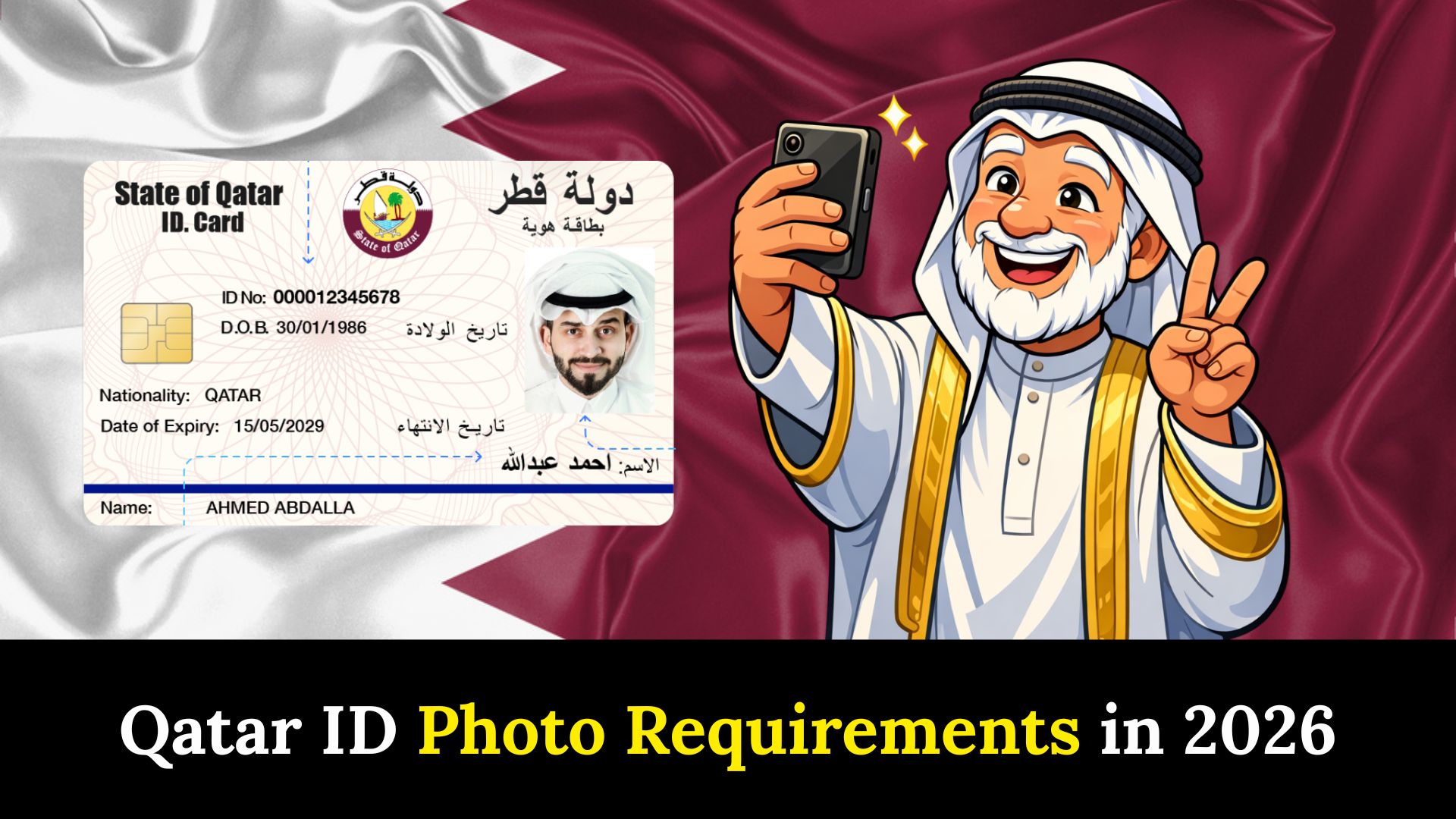
Qatar ID photo requirements are the official rules set by the Ministry of Interior to make sure every ID photo is clear and suitable for identification. These rules include photo size, background, facial expression, and image quality. Following the correct requirements is very important because any mistake can lead to delays or rejection of your Qatar ID application. Whether you are applying for a new ID or renewing one, using the correct photo ensures smooth processing and avoids unnecessary problems.
Official Qatar ID Photo Size in 2026
Ensure your Qatar ID photo follows the latest MOI guidelines:
- Photo size: 3.5 cm (width) × 4.5 cm (height)
- Pixel size: Around 413 × 531 pixels
- Resolution: At least 300 DPI
- File format: JPG or JPEG only
- Background: Plain white with no shadows
- Color: Must be in full color (no black and white or filters)
- Photo age: Taken within the last six months
- Image quality: Face should be clear with a neutral expression; no head covering unless for religious reasons
QID Photo Requirements
Apart from the Qatar ID photo size, the MOI has a few basic guidelines you must follow to make sure your photo is accepted without any issues.
Guidelines for Adults
- Ensure the photo is recent, taken within the last six months.
- Use a plain white background with no shadows or patterns.
- Face the camera directly and maintain a neutral expression (no smiling).
- Keep your eyes open and avoid glasses with dark lenses.
- The photo must be in color, not black and white.
- Do not cover your face with hats, scarves, or any other items, except for religious purposes.
Special Tips for Children’s Qatar ID Photos
When taking a Qatar ID photo for a child, keep these tips in mind:
- The child should look straight at the camera.
- Ensure no toys, hands, or parents appear in the frame.
- Maintain the standard size: 3.5 cm × 4.5 cm, 300 DPI, with a plain white background.
- Keep the image bright, clear, and focused.
Following these guidelines ensures the child’s Qatar ID photo meets MOI standards, preventing delays and making the application process smooth.
Background & Lighting Rules For Qatar ID Photo Requirements
Qatar ID (QID) photos require a plain, solid white or off-white background with no patterns, shadows, or objects. Lighting must be even, soft, and natural, free from reflections, glare, or red-eye. The face should be clearly lit without shadows on the background or face.
Background Rules
- Color: Must be plain white or off-white.
- Texture: Uniform and no shadows, patterns, or objects.
- Coverage: The subject must contrast with the background.
Lighting Rules
- Evenness: Use uniform lighting; no, harsh, bright, or under-exposed areas.
- Shadows: No shadows on the face or the background.
- Glare/Reflections: No flash reflection, red-eye, or glares on skin or glasses.
- Natural look: Skin tones should appear natural.
Face Position & Expression for Qatar ID Photo
For a valid Qatar ID photo, your facial expression and head positioning must strictly follow MOI rules:
- Expression: Neutral at all times. Keep your mouth closed with no teeth showing. Avoid smiling, frowning, squinting, or raised eyebrows.
- Head Position: Face the camera directly, upright, and centered. No tilting or turning of the head.
- Eyes: Fully open and clearly visible, looking straight into the camera.
- Visibility: Entire face must be visible, from the top of the hair to the bottom of the chin.
- Headgear: Allowed only for religious or medical reasons, without covering or shadowing facial features.
- Glasses: Discouraged; if necessary for medical reasons, ensure no glare and eyes are fully visible.
- Lighting/Quality: Even, clear lighting with no shadows; high-quality image is required.
Following these rules ensures your Qatar ID photo meets official MOI standards and avoids delays in your application.
Dress Code for Qatar ID Photo
For a Qatar ID (QID) photo, wear modest clothing that covers your shoulders and knees, keeping jewelry minimal or none. A plain, dark-colored outfit is recommended to provide good contrast against the white background. Head coverings are permitted for religious purposes but must not cover or obscure the face. Following these clothing guidelines ensures your QID photo meets MOI standards and avoids delays during the application or renewal process.
Where to Take a Qatar ID Photo
You have several options to get a photo that meets Qatar ID requirements:
- Photo Booth: Some ID or passport photo booths provide ready-made photos. Make sure they follow the Qatar ID specifications with the correct size and plain white background.
- Professional Studio: Visit a photo studio in Qatar, especially in cities like Doha, where photographers are familiar with the exact Qatar ID photo size and MOI rules. They ensure your photo is correct and hassle-free.
- Smartphone: If your phone has a good camera, you can take the photo at home. Use a plain white wall or sheet as the background, ensure bright lighting, and crop the image to 3.5 cm × 4.5 cm.
Step-by-Step Guide Capturing a Valid Qatar ID Photo at Home
Taking your own Qatar ID photo is simple if you follow these steps:
- Choose a Spot: Use a plain white wall or hang a white sheet. Avoid shadows or colored backgrounds.
- Lighting: Ensure bright, even lighting. Natural daylight or a lamp works best; avoid dark or uneven spots.
- Positioning: Stand or sit straight, facing the camera. Include your head and shoulders in the frame.
- Camera: Use a good smartphone or camera set to high quality and take several shots.
- Crop to Size: Adjust the photo to 3.5 cm × 4.5 cm using a photo editor or app like Canva.
- Save Correctly: Save the image as a JPEG file with 300 DPI for clarity.
How to Successfully Upload Your Photo via the Metrash App
Many residents use the Metrash app to apply for or renew their Qatar ID. To upload your photo, follow these steps:
- Open the Metrash app on your smartphone.
- Navigate to “Residency Services” in the menu.
- Tap “Renew Residency Permit.”
- Select the applicant (yourself or a family member).
- Upload a photo sized 3.5 cm × 4.5 cm.
- Ensure the background is white and your face is clearly visible.
- Preview the photo to confirm it looks correct.
Uploading a properly sized and clear photo ensures your Qatar ID application is processed smoothly. For more tips, check our guide on Metrash App Tips for Qatar ID.
How to Measure and Crop Your Qatar ID Photo
Follow these steps to ensure your Qatar ID photo meets MOI standards:
- Measure the Size: The official size is 3.5 cm × 4.5 cm, which is approximately 413 × 531 pixels at 300 DPI.
- Use a Tool: Free apps like Canva, Pixlr, or GIMP work well on phones or computers.
- Crop Carefully: Set the crop tool to 3.5 × 4.5 cm and position the face to fill most of the frame.
- Check Quality: Ensure the image is clear, colorful, and 300 DPI.
- Save as JPEG: Always save the final photo in JPG/JPEG format for MOI submission.
This method ensures your Qatar ID photo is perfectly sized, clear, and ready for application.
Common Mistakes to Avoid in Qatar ID Photos
Even small mistakes can cause your Qatar ID photo to be rejected. Avoid these common errors:
- Incorrect size (must be 3.5 cm × 4.5 cm)
- Background is not plain white (no patterns or colors)
- Blurry or low-quality image
- Wearing hats, sunglasses, or anything covering your face
- Photo older than six months
- Shadows or poor lighting
Always double-check your photo before submitting to the MOI. A correct photo ensures faster processing and saves time!
Use Our Qatar ID Photo Checker Tool
Before submitting your photo on Metrash or the MOI portal, ensure it meets all Qatar ID photo requirements. Our tool helps you:
- Instantly verify photo size and resolution
- Check for a plain white background
- Confirm the photo is in color and clear
- Identify any issues that could delay your application
- Simply upload your photo, and the tool will analyze it.
Tip: Use a recent photo showing your full face with a neutral expression for best results.
Read Also
- MOI Qatar ID Check
- Qatar ID Fine Check
- Qatar ID Download
- Qatar ID Renewal
- Qatar ID Expired
- Qatar ID Application
- Qatar ID Photo Requirements
- Qatar ID for GCC Residents
FAQs About Qatar ID Photo Requirements
Glasses are discouraged unless medically necessary, and headgear is allowed only for religious or medical reasons, ensuring the full face is visible.
The photo must be 3.5 cm × 4.5 cm (approx. 413 × 531 pixels) with a resolution of at least 300 DPI.
The photo must be taken within the last six months to ensure accuracy and up-to-date appearance.
Yes, using a plain white background, proper lighting, and a high-quality camera, you can take a photo at home. Ensure the image meets size, clarity, and format requirements before uploading.
Conclusion
Following the official Qatar ID photo requirements is crucial for smooth application or renewal. Correct size, background, facial expression, and image clarity prevent delays or rejection. Whether for adults or children, adhering to MOI guidelines ensures your ID is accepted and your application processed efficiently. Using recent, clear photos guarantees a hassle-free Qatar ID experience.
Sheikh Khalifa bin Hamad
I am Sheikh Khalifa bin Hamad, the writer behind https://qataridcheck.com/. I share simple guides about Qatar ID services, residency updates, and government procedures. My goal is to help residents easily check QID status, renewals, fines, and official information online.
