


 June 3, 2026 4:05 am
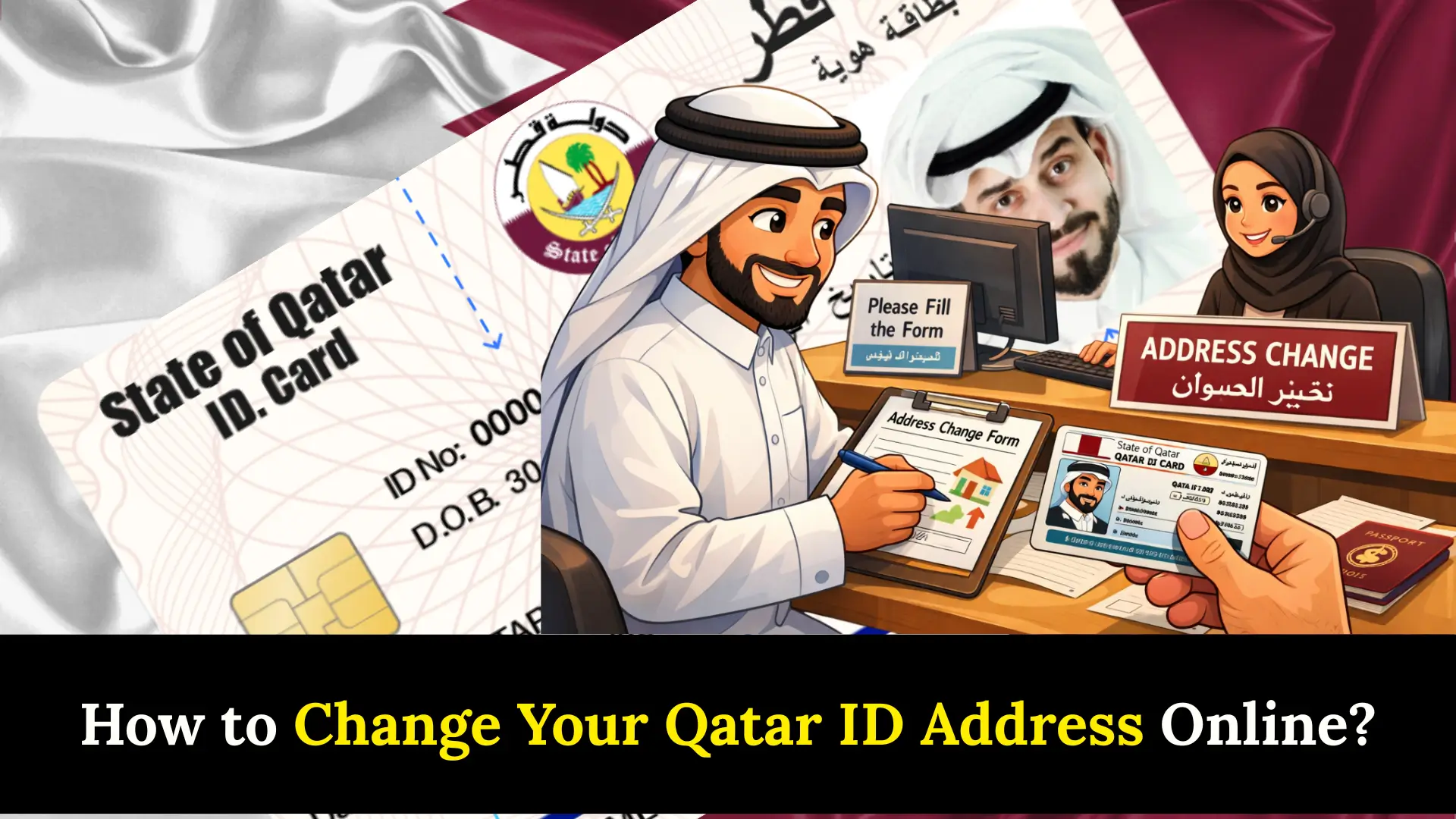
How to Change Your Qatar ID Address Online? Relocating within Qatar comes with more responsibility than just packing boxes your QID address must reflect where you actually live, and the National Address Law makes this mandatory within a specific timeframe after you move. Whether you are a long-term resident or newly settled, keeping your national address accurate protects you from complications with banking services, government services, and official correspondence tied to your Qatar ID.
Key Details for Updating Address
From personal experience navigating the system, the most painless route is the Metrash app hands down the fastest channel available. Before you begin, here is a quick overview of everything you need to know:
| Detail | Information |
|---|---|
| Available Channels | Metrash App, MOI Website, MOI Service Center (in-person) |
| Information Needed | Zone, Street, Building Number, Kahramaa Number |
| Cost | Free of charge |
| Confirmation | SMS confirmation sent after update |
| Family/Dependents | Sponsor can update for family members; spouses may need to register separately |
| Legal Requirement | Mandatory update within a specific timeframe after moving (National Address Law) |
| Manual Option | Visit any MOI Service Center and fill out a physical form |
If you are a sponsor managing dependents, you can update address details for family members directly through the same channels. Spouses, however, may sometimes need to register separately depending on how their QID is linked. Accurate data across all profiles prevents downstream issues with everything from visa processing to banking services and government services.
Steps to Update QID Address
There are three ways to update your QID address. Here is how each one works:
Metrash App
Open the Metrash mobile application download it from the App Store or Google Play if it is not already on your phone. Then:
- Log in using your Qatar ID and password.
- Navigate to the national address category under services.
- Select national address and click update.
- Fill in your new details: home address, work address, telephone, and email.
- Submit the whole process takes under five minutes.
MOI Website
- Head to the MOI e-services portal.
- Navigate to general services and open the national address section.
- Enter your zone, street, and building number as required details.
- Submit the update form.
In-Person at MOI Service Centre
For those who prefer face-to-face assistance or encounter difficulties online, visiting a MOI Service Centre is a reliable manual option. Staff there walk you through filling out the physical form on the spot.
Important Notes
A few things worth keeping in mind before and after you update:
- This service is completely free no hidden fees attached
- Make sure every piece of data entered is accurate errors create friction with government services and banking services
- Your Kahramaa number and building number will come up more than once during the process, so keep them handy
- The same methods can also be used to update other personal details such as your name or job, provided you submit the relevant supporting documents
How Do I Update my National Address in Qatar?
Open the new Metrash app on your phone if it is not installed, download it from the App Store or Google Play. Then follow these steps:
- Log in with your Qatar ID and password
- Select the national address category
- Update the information and submit
The entire flow is straightforward once you are inside the app, and the QID-linked login ensures your profile is pulled up instantly.
FAQs About Qatar ID Address Change
Q1: Is there any cost to change my Qatar ID address?
No, updating your national address in Qatar is completely free of charge. Whether you use the Metrash app, the MOI e-services portal, or visit a MOI Service Centre in person, no fee is required at any step.
Q2: Can a sponsor update the address for their family members?
Yes, a sponsor can update the national address for their dependents and family members using the same channels Metrash app, MOI website, or in-person at a MOI Service Centre. However, spouses may sometimes need to register or update their address separately.
Q3: What information do I need to update my QID address?
You will need your zone number, street number, building number, and Kahramaa number ready before starting the update. Having these details on hand ensures the process is completed quickly and without any interruptions.
Conclusion
Keeping your Qatar ID address up to date is a simple but essential responsibility. With free, easy-to-use options like the Metrash app and MOI portal available, there is no reason to delay. Stay compliant, keep your details accurate, and avoid unnecessary complications.
Sheikh Khalifa bin Hamad
I am Sheikh Khalifa bin Hamad, the writer behind https://qataridcheck.com/. I share simple guides about Qatar ID services, residency updates, and government procedures. My goal is to help residents easily check QID status, renewals, fines, and official information online.
